




Help
Browse the books
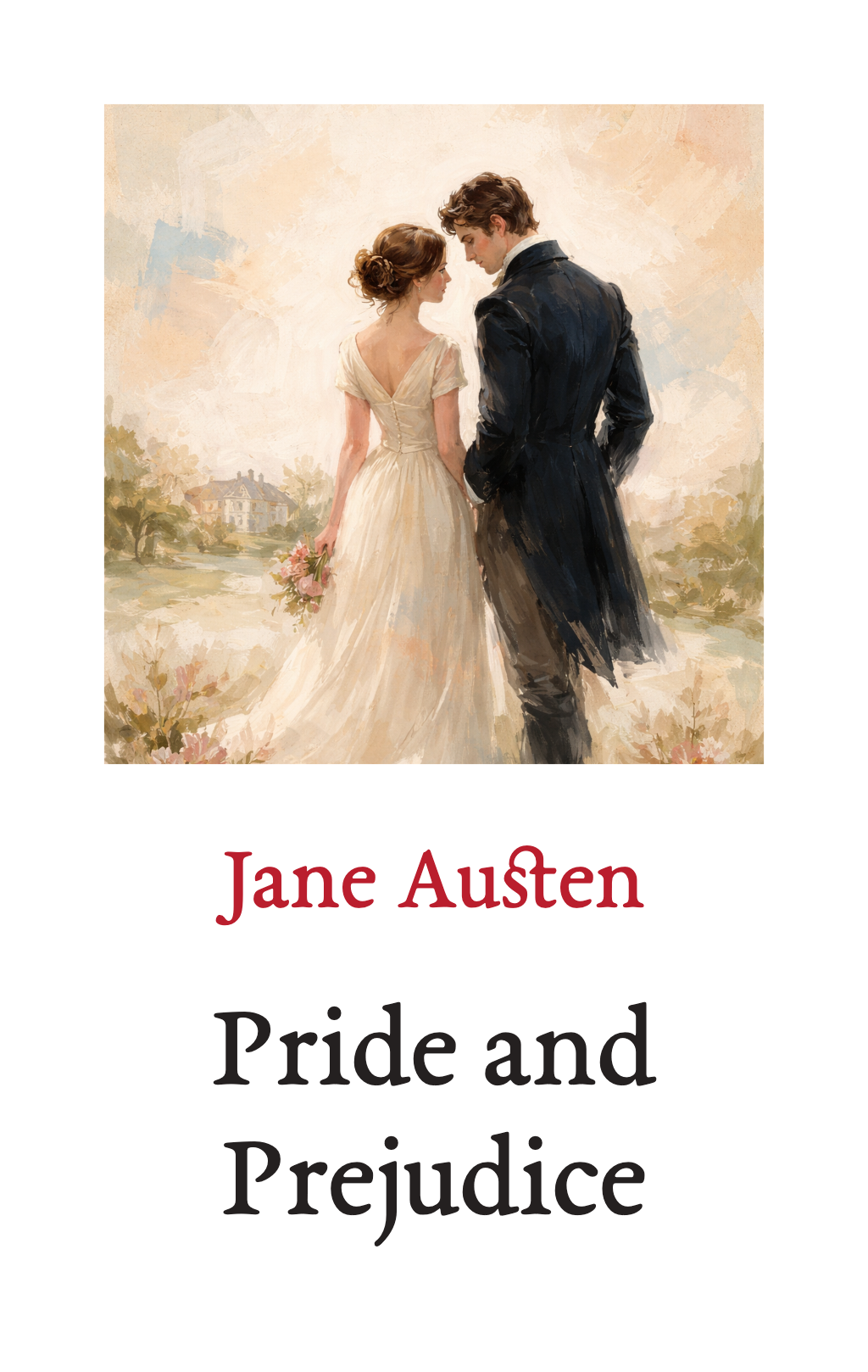
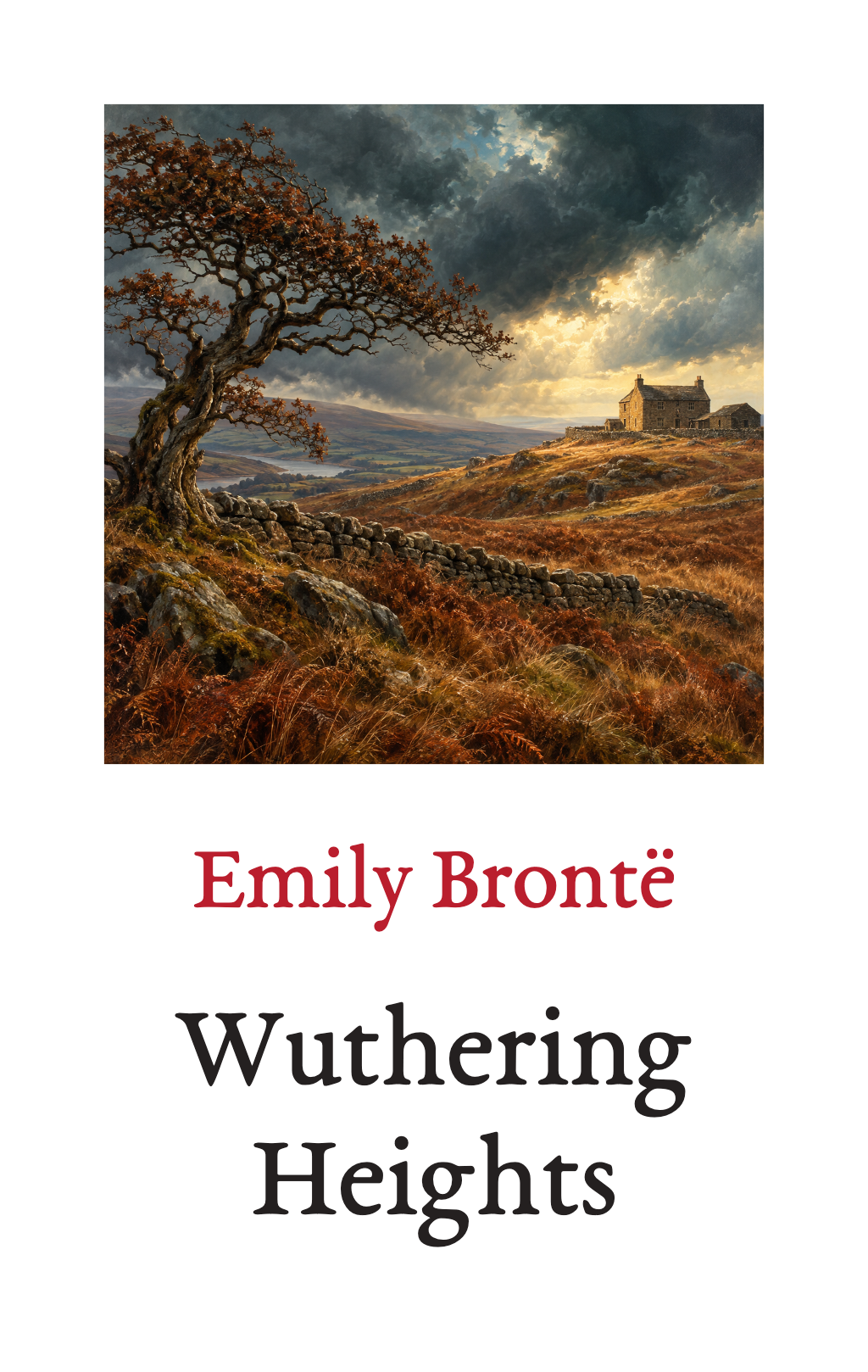
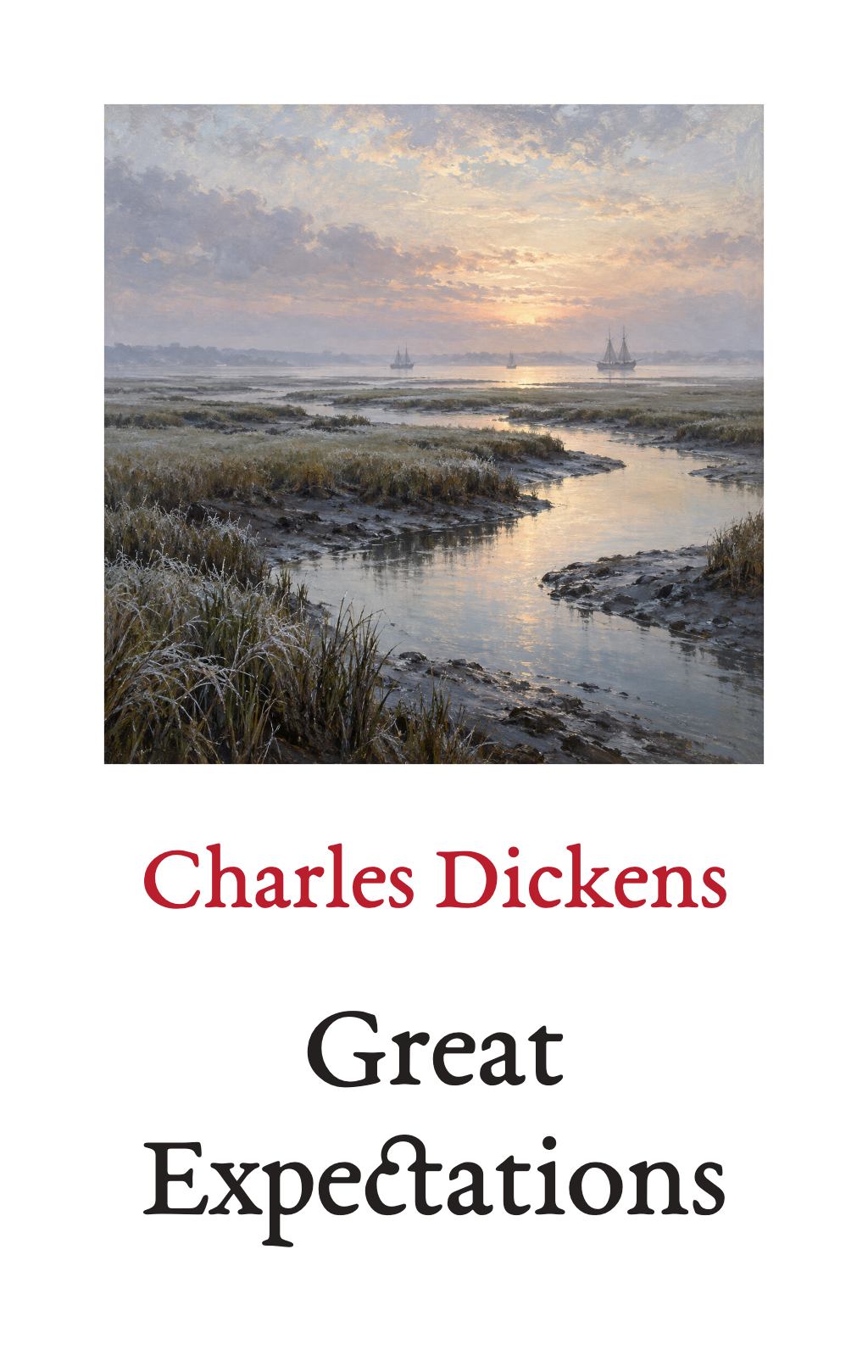
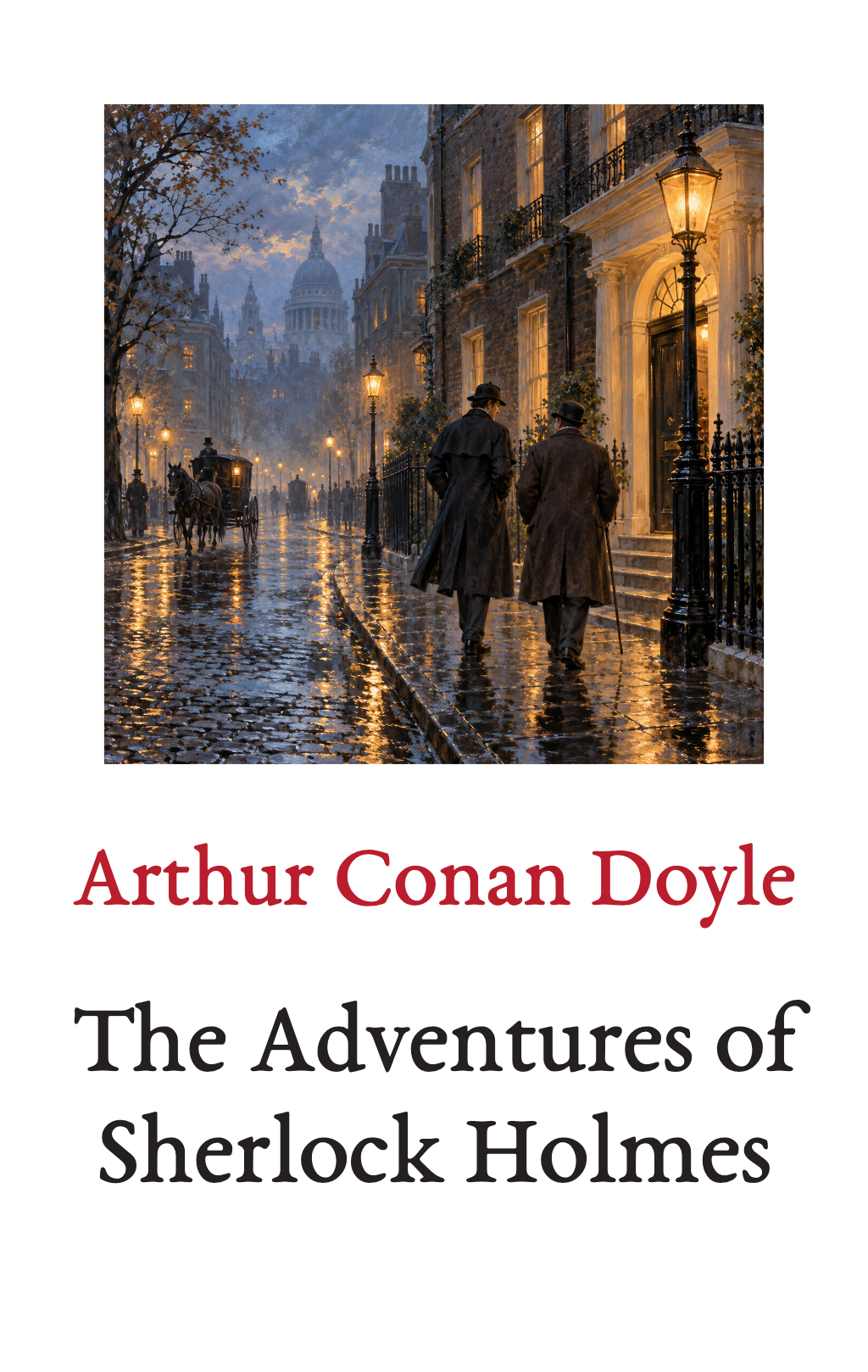
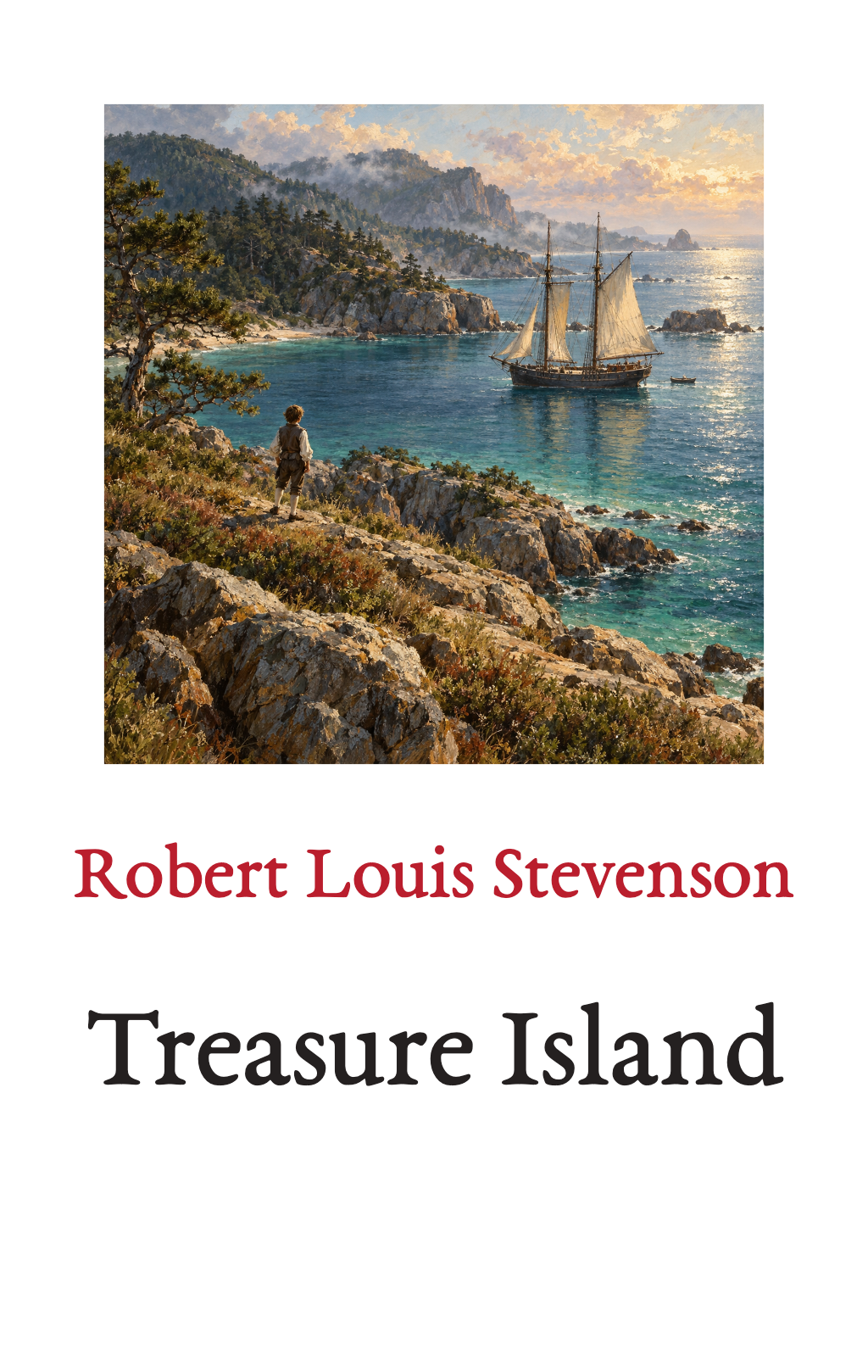
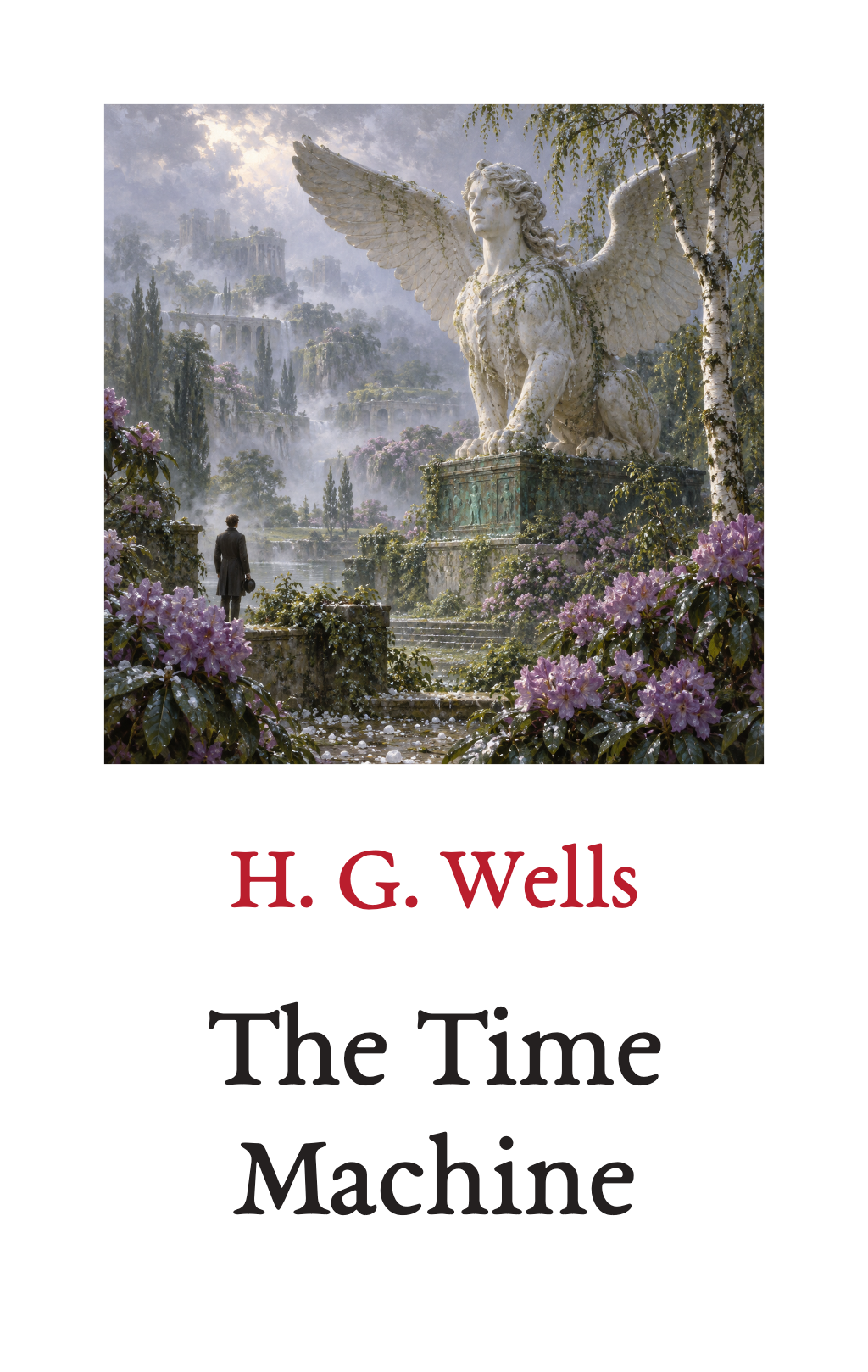
Look through all ten books, their paintings and an extract from each introduction. You don't need an account.
Your books, in the app
Add a book to My Books on the website. Then open the Read Classics app and sign in with the same email. Your books are there to read, listen to and download.
Deleting a download from your phone doesn't delete the book. You can download it again.
What's free
Every ebook in our launch collection is free. Each audiobook starts free: the introduction and first chapter. You can buy the rest of the audiobook, or single chapters.
Details
The free audio covers the title announcement, the introduction and everything recorded up to the end of the first chapter or story, including any preface or dedication. Ebooks and audiobooks are separate. The website does not offer book or audio files to download, and it doesn't know which books are on your phone or how far you have read.
Getting the app
Download the Read Classics app for Android from readclassics.app/android. The iPhone app is coming soon to the App Store, and the Android app to Google Play. There is no reader in the web browser. If you were invited, use the app your invitation came with. More about the app
Buying
You can buy audiobooks here on the website, in My Books. Adding a free book never costs anything.
Details
Stripe takes the payment, adds the right tax for where you live and emails your receipt. My Books shows the price before you pay. See the terms of sale.
Need help?
Email [email protected] from the email you use with Read Classics. If you have an order number, include it. Never send passwords, sign-in codes or card details.
Browse the books