
The Read Classics app
A book in your hands.
A voice in your ear.
Great novels set as beautifully as a fine printed edition, with paintings to linger over and a narrator who reads along with you.
Every ebook is free. Audiobooks start free.
How to get the app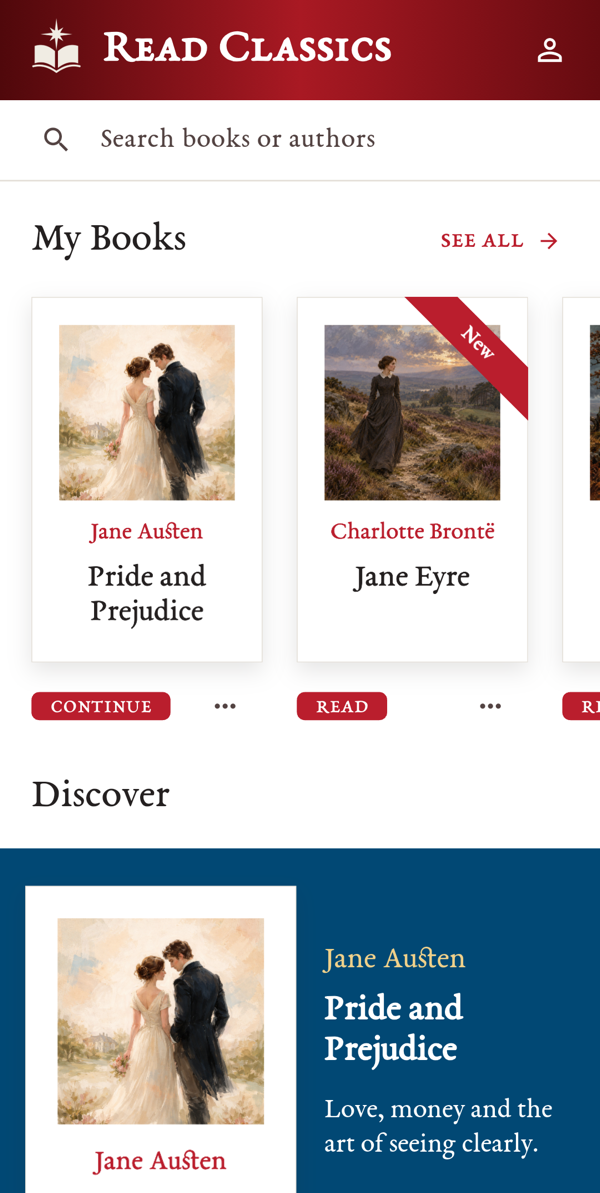
Reading
Pages worth turning.
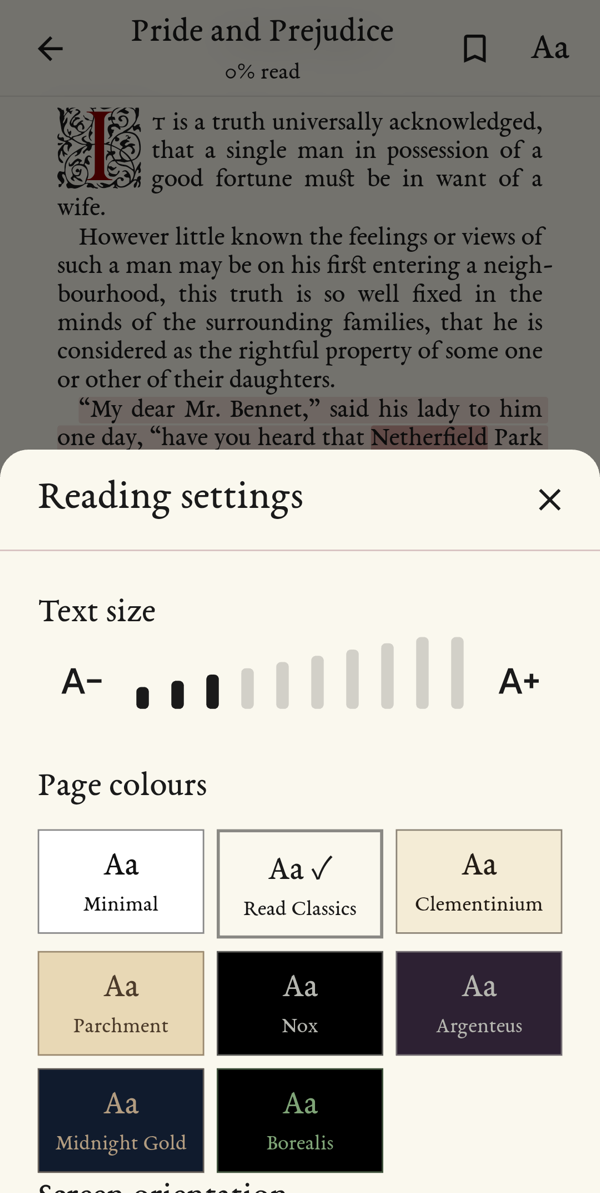
Every book is set in Garamond, a typeface born in the great age of printing, and laid out as a real book: page by page, with decorated opening letters and generous margins.
- Make the text larger or smaller.
- Choose justified lines, like a printed book, or a ragged edge.
- Pick one of eight page colours, from crisp white to warm parchment.
Illustrated editions
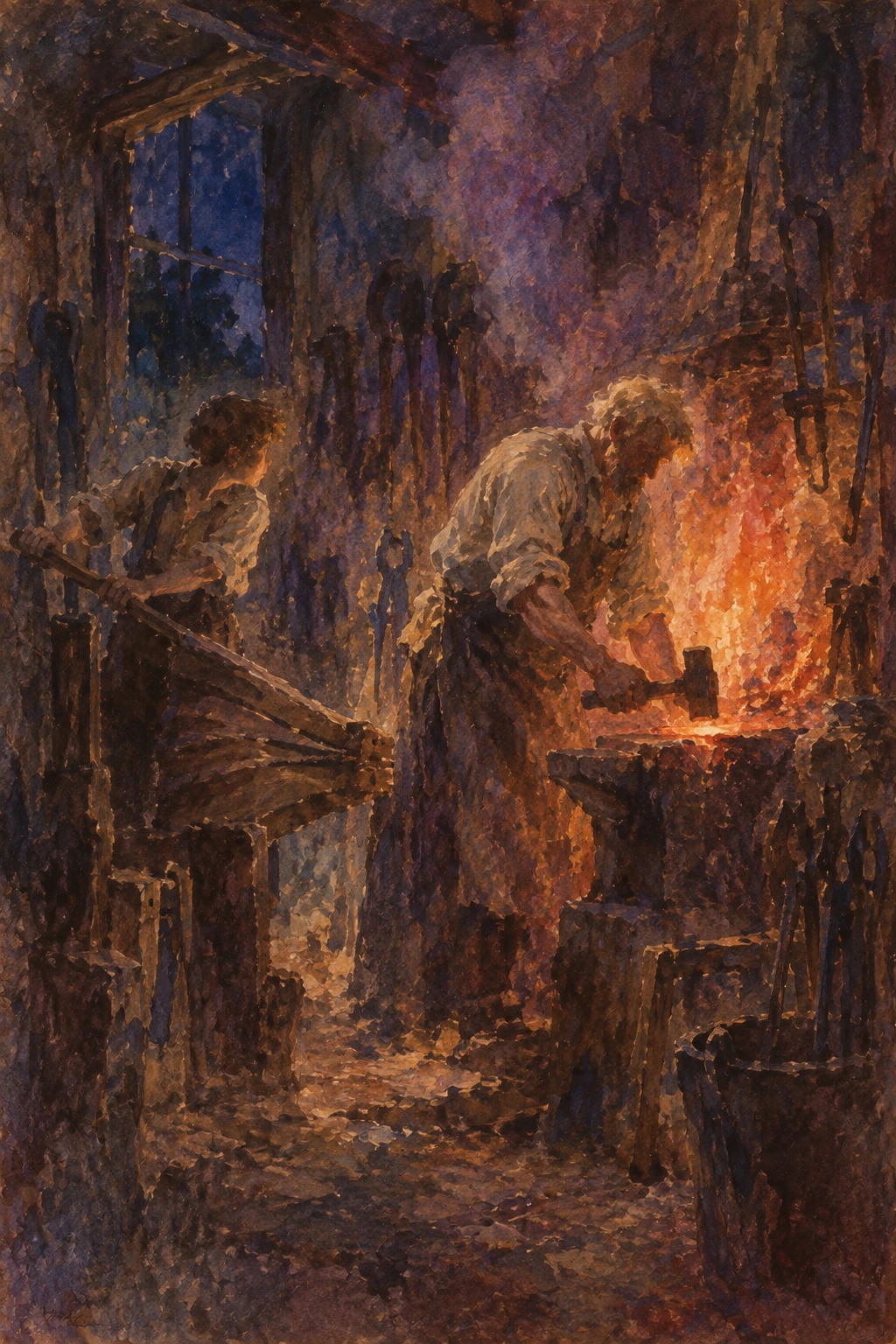
Paintings throughout the story.
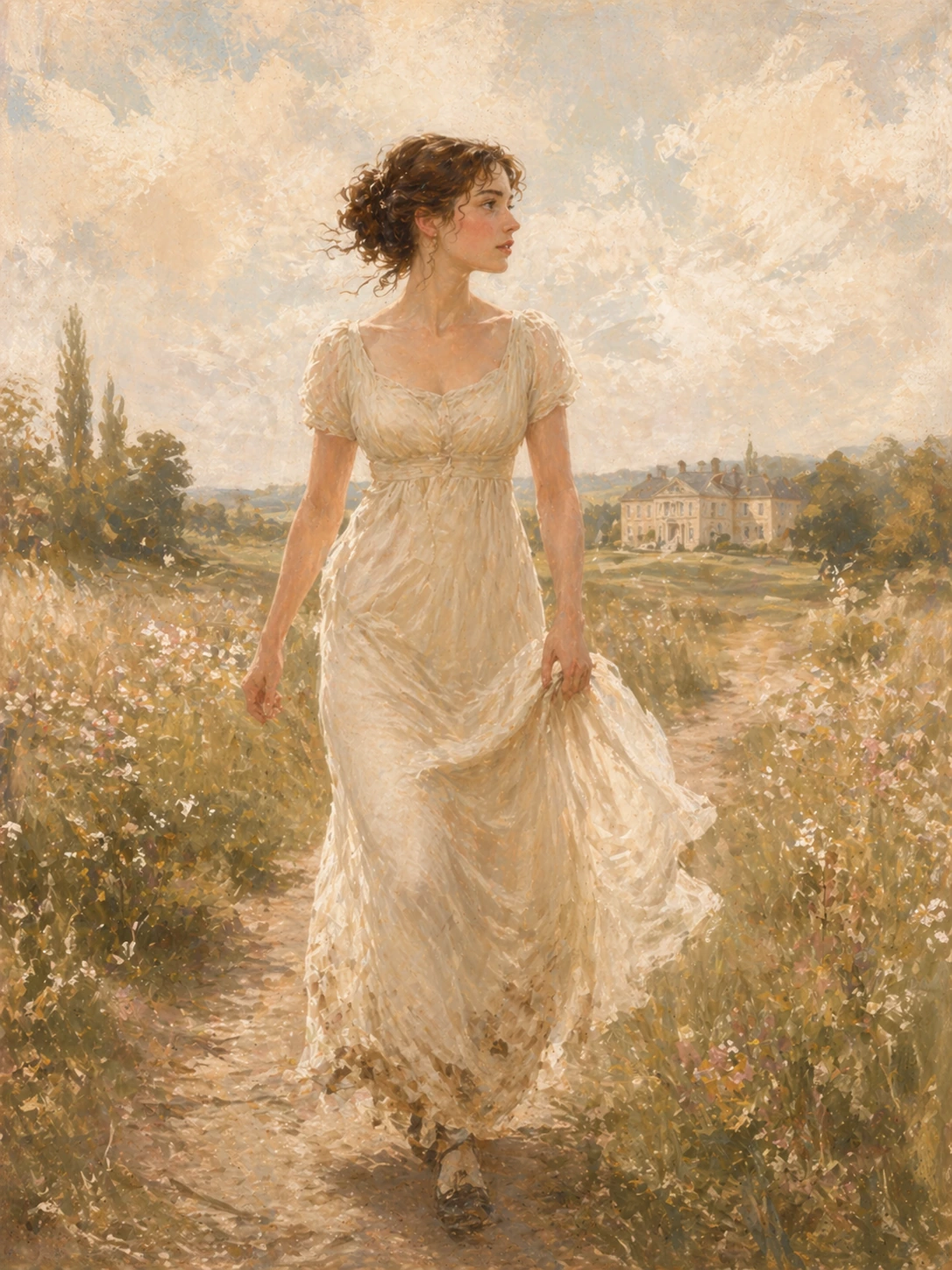
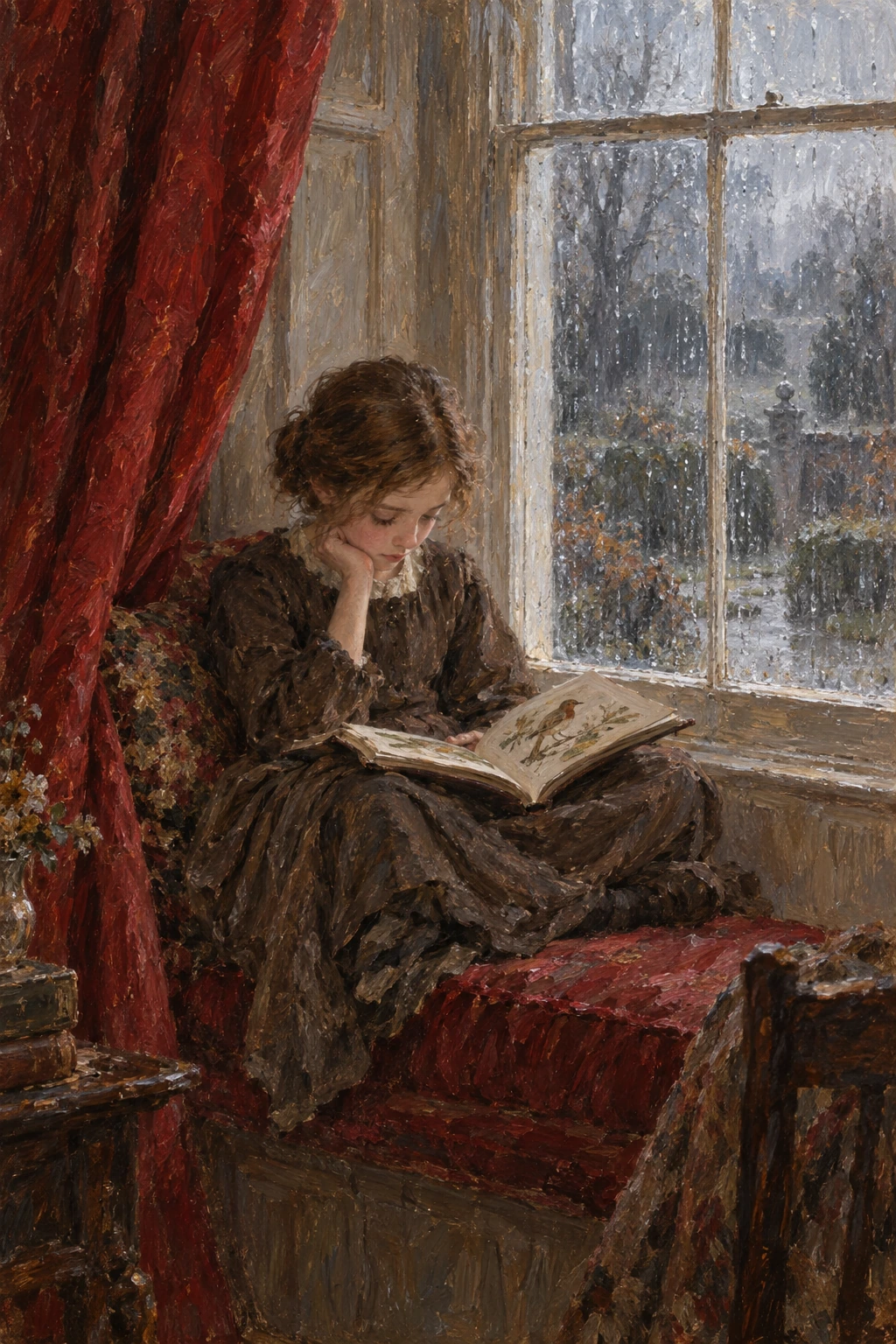
Each edition comes with its own series of original paintings, placed where they belong in the story. Open any painting to see it full screen and look closer.

A companion for every book
Someone to show you the way in.
Every book opens with an introduction written for Read Classics: who the author was, the world they wrote in, and what to look out for. At the back you'll find a chronology of the author's life and times, and ideas for what to read next.
Read the opening of an introductionA wealthy newcomer takes a house in the country, and a neighbourhood begins to calculate. In Pride and Prejudice, courtship is at once a private adventure and a public negotiation: affection must find its way through money, family ambition and the judgments of other people. Elizabeth Bennet, one of five sisters, meets this world with intelligence and a readiness to laugh. Her wit makes her excellent company, but it also raises the novel’s central question: how reliably can any of us distinguish understanding another person from enjoying our own opinion of them?
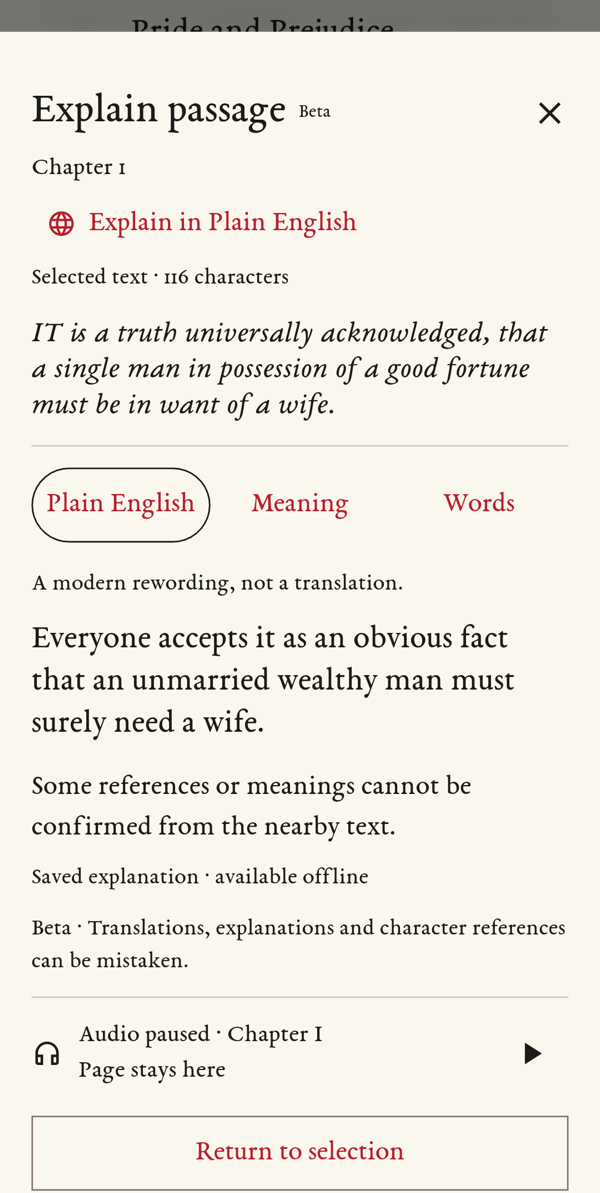
Explain
Ask what a passage means.
Old books are full of words, customs and jokes that have changed since they were written. When a sentence stops you, press and hold it, then tap Explain. A short note opens over the page, and your place in the book stays where it was.
- Plain English: the passage in today's words.
- Meaning: what's going on, and who “she” or “the Colonel” is.
- Words: tap any word to see what it meant then.
- Prefer your own language? Choose from 52 others, from Arabic to Welsh.
Works on a sentence, a paragraph or just a few words. Free with your account, up to 20 a day, with an internet connection.
Audiobooks
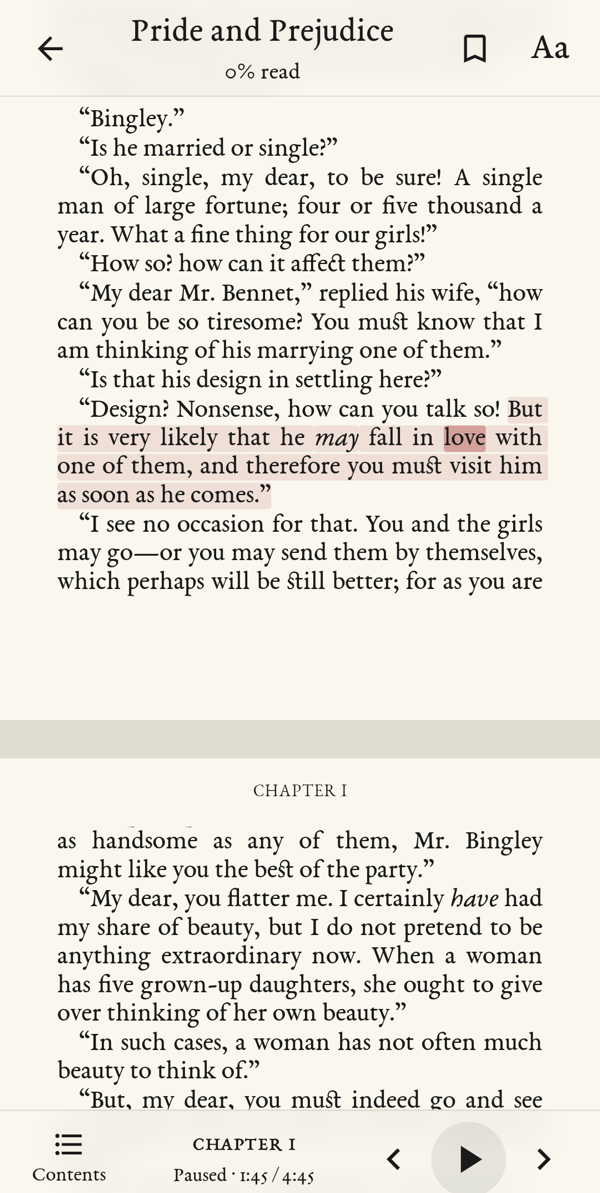
Words that light up as they're read.
Press play and a narrator reads to you while each word lights up on the page. The pages turn by themselves to keep up.
Close your eyes and simply listen, or pause and carry on reading from the very same page.
- Slow the voice down or speed it up.
- Set a sleep timer for reading in bed.
- The opening of every audiobook is free: the introduction and the whole first chapter or story.
Wherever you are
Your books go where you go.
No signal needed
Download a book and its audio, then read and listen on the train, on a plane or in the garden.
Easy on the eyes
Dark pages for late nights, bright ones for sunny days. The app remembers your place.
One email, all your books
Use the same email on this website and in the app. Your books belong to you, not to one phone.
Read Classics for Android and iPhone
Get the app
Download your books in the app and take them with you.
Details
On Android, the app downloaded from this website updates itself when you tap Update in the app. Once the app is in Google Play and the App Store, you can install it from there too.
Already have the app?
- Open Read Classics and sign in with the email you use on the website.
- Refresh My Books.
- Download a book or its audio, then read or listen anywhere, even offline.
Before you buy audio
Listening needs the Read Classics app: get it for Android now; the iPhone app is coming soon. There is no player in the web browser. Audio you buy stays in My Books, ready for the app.
Need help? Email us.